Podsqueeze has an API for converting episodes and retrieving their transcript and written content, and a Zapier integration built on the same token. Both use the minutes on your plan, the same as converting in the app.
Steps
Get your API token
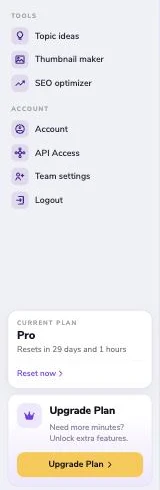
- Open your Dashboard and click API Access in the sidebar.
- Click Generate Token.
- Click the copy icon to copy the token. Use it as a Bearer token in the
Authorizationheader of your requests.
The API Access window also has an API Documentation button with the endpoints, request examples and error codes. The refresh icon creates a new token; the old one stops working, so update any script or Zap that used it.
Connect Zapier
- In Zapier, add the Podsqueeze app to a Zap.
- When Zapier asks for an API Token, paste the token from API Access.
- Pick an action:
- Convert Podcast Episode: sends a public audio or video URL to Podsqueeze and creates the episode in your Dashboard.
- Get Episode Assets: returns the transcript, SRT subtitles, timestamps, quotes, keywords, titles, newsletter, posts and other content of a processed episode.
What the API can do
- Start a conversion from a public, downloadable episode URL or a base64-encoded file, and choose which written contents to generate.
- Check a job's status and get the transcript, SRT and speakers when it is done.
- Get an episode's written content, list your folders and episodes, and generate missing content later.
Limits
- Each conversion uses minutes from your plan. If the episode is longer than the minutes you have left, the request fails with "Insuficient minutes available. Please upgrade your plan." See minutes and rollover.
- Episode URLs must be public. Private or login-protected links are not supported.
- One token per account. Generating a new one replaces the old one.
Troubleshooting
- 401 "Invalid API key or authorization". The token was refreshed or copied incompletely. Copy it again from API Access.
- "The audio format is not supported." The URL does not point to an audio or video file. Use a direct link to the file.