The AI clip maker that turns long videos into clips people finish
Upload a podcast or paste a YouTube link. Podsqueeze finds the best moments, keeps the speaker in frame and adds animated captions. Then tell the AI what to change.
✦Reading the episode… 0 of 58 min
Used by podcasters, networks and media around the world












How the AI clip maker works
One long episode in. A week of clips out.
No timeline to scrub, no crop to fix by hand.
Drop in your episode
Upload audio or video, or paste a YouTube link. Hours long is fine.
Get clips, ready to post
AI picks the moments, frames the speakers and adds the captions.
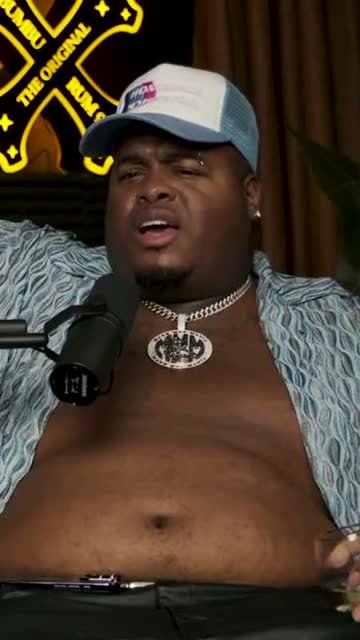
Where crunk really started
Download or schedule
Grab the MP4s, or schedule them to YouTube Shorts. Done.
AI agent
An AI editor that does the work for you
Say what you want in plain words. It reads the whole episode, makes the clips and changes them when you ask.
It finds the clips
Ask for the moments you want
A topic, a guest, a mood, a length. The agent reads the whole episode and comes back with clips that stand on their own, each with a title and a hook.
It edits them
Ask for any change, and watch it happen
Captions, lower thirds, music, format, the cut itself. Even a teaser made of the strongest lines of the episode. Every change is listed, and one click undoes it.
Reads the whole episode
Moments from minute 3 or minute 53, and teasers that join them.
Shows its work
Every change listed. Nothing is final until you say so.
Speaks your language
Ask in English, Portuguese, Spanish and 12 more.
Inside the editor
Agent first. Every control still in your hands.
Ask the assistant for anything, or take over: cut words in the transcript, nudge elements on the timeline and tweak every setting. Both work on the same clip, at the same time.
Swipe to see the whole editor →
1Ask, don't hunt for buttons
The assistant knows the editor: it makes the change, or tells you where it lives.
2The transcript is the timeline
Delete a word and it's gone from the video. Restore it just as fast.
3Every element on a track
Lower thirds, captions, music, logos: drag them to the second.
4Layouts you can reuse
Save your look once and every new clip starts with it.
Animated captions
Captions that keep people watching
Word-by-word captions in the styles that work on TikTok, Reels and Shorts, balanced line by line. Pick a preset, set your colours and font, and every clip follows it.
- Highlight, pop, single word, reveal and more
- Never a stray word left alone
- Fix a word in the transcript, the caption follows
Caption presets
Auto framing
Always in frame, without touching a crop
Wide podcast shots become vertical clips on their own. Follow whoever is speaking, or show both speakers at once.
The camera follows whoever is speaking
Turning a wide podcast shot into a vertical clip usually means cropping by hand. Podsqueeze listens to the voices and watches the lips, and keeps the speaker in frame with calm, steady moves.
Both speakers, on screen at once
For a real back-and-forth, show host and guest together, one above the other, each with their face centred. Switch between auto camera and split screen in one click.
Edit the transcript
Cut a clip like you edit a document
Every clip comes with its transcript. Delete a word and it is gone from the video. Ask the assistant to cut the “um”s and “you know”s, or extend a clip by a sentence.
- Ask the assistant to cut the fillers
- Fix a misheard word, captions follow
- Start earlier or end later by a sentence
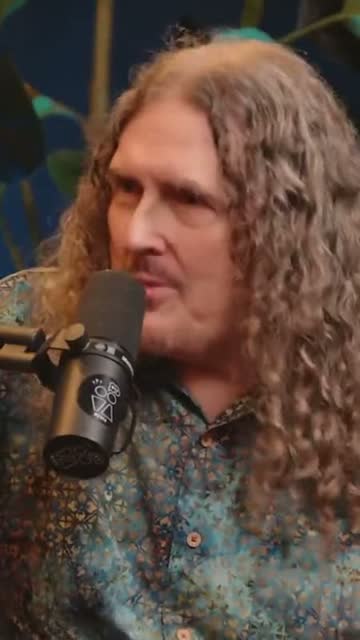
“Weird Al” Yankovic 12:44
✦ Cut the “um”sSo, um, I talked to him on the phone and I said, listen, I'd like to do a parody of your song. You know, and he said, oh, is it gonna be a song about food? This was the first time Nirvana played Saturday Night Live.
Audiograms
No camera? Your audio still deserves a video
Audio-only episodes become audiograms: your cover art, a waveform that moves with the voice and the same animated captions. Made for Spotify-first shows.
- Seven waveform styles, in your colours
- Vertical, square and wide
- Captions and titles included

The one email that grew our show
The Long Table · Ep. 18
We
The one email that grew our show
The Long Table · Ep. 18
We
Publishing
From ready to posted in two clicks
Connect your YouTube channel once and schedule a week of Shorts in a minute. Or download the MP4s for TikTok, Reels and LinkedIn.
- Schedule to YouTube Shorts from Podsqueeze
- Pick the day and time for every clip
- MP4 downloads for every platform
YouTube Shorts
Off the Record · connected
Mon
Tue
Wed
Thu
Fri
And more
The details are taken care of
Your brand on every clip
Save layouts with your colours, fonts, logo and lower thirds.
9:16, 1:1 and 16:9
One click to resize, every layer adapts.
Royalty-free music
A library of tracks, mixed under the voices.
Show notes included
Titles, descriptions, chapters and posts from the same upload.
Why Podsqueeze
Clips in minutes, not an afternoon on a timeline
| Feature | Podsqueeze | Typical video editor |
|---|---|---|
| Finds the best moments for you | By hand | |
| Keeps the speaker in frame | By hand | |
| Split screen for two speakers | By hand | |
| Word-by-word animated captions | Basic | |
| Edit by deleting words in the transcript | ||
| Edit by asking an AI assistant | ||
| Audiograms for audio-only episodes | ||
| Show notes, chapters and posts included |
Loved by the people who make the shows
What is an AI clip maker?
An AI clip maker turns a long recording, like a podcast episode, an interview or a webinar, into short vertical clips for TikTok, Instagram Reels and YouTube Shorts. Instead of scrubbing through an hour of footage, you upload the episode and the AI does the slow parts: it reads the transcript, picks the moments that work on their own, crops the video to 9:16 around the person speaking and adds captions.
What you get back is a set of clips that are ready to post, and an editor to change anything you don't like.
How to make clips from a long video
- Upload your episode or paste a YouTube link. Video works best, but audio-only podcasts work too: they become audiograms with your cover art, a waveform and captions.
- Let the AI pick the moments. Podsqueeze reads the whole episode and keeps moments with a strong opening, one complete idea and a clean ending. Every clip gets a title and a hook. You can also ask for something specific, like "the story about the first sponsor, under 45 seconds".
- Check the framing and the captions. The auto camera follows whoever is talking. For a two-person conversation you can switch to split screen and show both people at once.
- Edit by chatting or in the transcript. Ask the assistant for yellow captions, a lower third or a shorter cut, or delete words in the transcript and they're gone from the video.
- Download or schedule. Export MP4s for any platform, or schedule the clips straight to YouTube Shorts.
What to look for in an AI clip maker
Most AI clip makers can cut a video into short pieces. The difference is in how much fixing the clips need afterwards:
- Moment selection. A good clip makes sense without the rest of the episode. Look for a tool that reads the full conversation, not just loud or fast moments.
- Speaker framing. Wide podcast shots need a camera that follows the active speaker smoothly, without jumpy zooms.
- Captions you can trust. Word-by-word captions should be easy to style and easy to correct, ideally from the transcript.
- Editing that doesn't take longer than recording. Transcript editing and an AI assistant save more time than a traditional timeline.
- Audio-only support. Many shows publish audio first. A clip maker that also makes audiograms covers every episode.
Why podcasters choose Podsqueeze
Podsqueeze was built for podcasts first. One upload gives you clips, captions, audiograms, show notes, chapters and social posts. The AI clip maker understands conversations with more than one person, keeps everyone in frame, and lets you edit by simply asking. There's a free plan to try it on your next episode.
FAQ
Questions, answered
Can't find what you're looking for? Our team answers within a day.
Is Podsqueeze's AI clip maker free?
Yes. The free plan lets you upload an episode and make clips with a small watermark. Paid plans remove the watermark and give you more clips and minutes every month; the editing assistant and animated caption styles are on Pro.
Does it work with audio-only podcasts?
Yes. Audio episodes become audiograms with your cover art, an animated waveform and captions. Video episodes get the auto camera and split screen.
How does the AI choose the moments?
It reads the full transcript and keeps moments that make sense on their own, with a strong opening and a clear ending. You can ask it for more, or for a specific topic.
Can I edit the clips?
Everything is editable: the cut, the captions, the layout, music and text. Change it by hand, by editing the transcript, or just ask the AI assistant.
Which languages are supported?
Transcription and captions work in more than 15 languages, and the editor is available in 15 interface languages.
Can I post directly to YouTube Shorts?
Yes. Connect your channel and schedule clips from Podsqueeze. You can also download MP4 files for TikTok, Instagram Reels and LinkedIn.
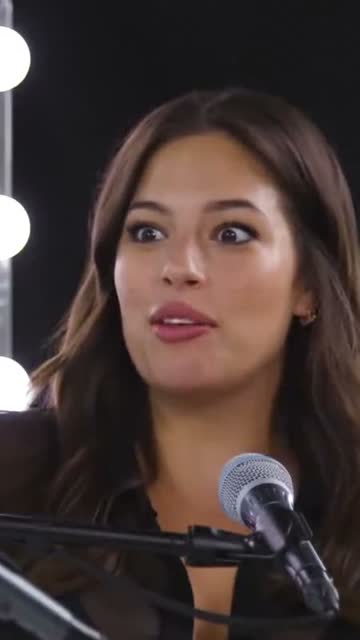
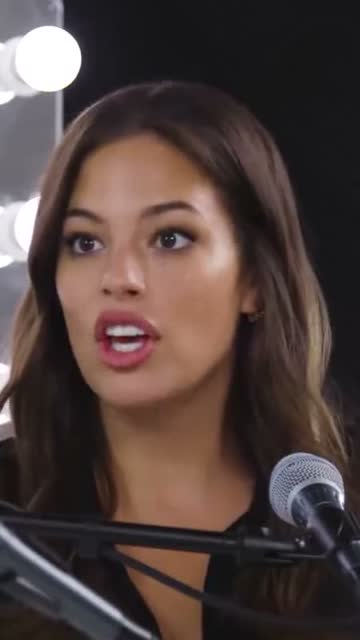
Your next ten clips are already in your last episode
Paste a link or upload a file and let the AI clip maker do the rest. Clips, captions and a teaser in minutes.
Free plan · No credit card · Audio or video