Split screen video maker for two-person conversations
Host on top, guest below, each face centred in its half. Podsqueeze builds the split screen from your wide shot automatically, adds captions in the middle and keeps both people in frame.
Used by podcasters, networks and media around the world












How it works
A split screen clip without a layout template
No masks, no duplicated tracks, no lining up two crops.
Upload the conversation
A podcast or interview filmed with both people in shot.
Turn on split screen
Each speaker gets a half, framed on their face.
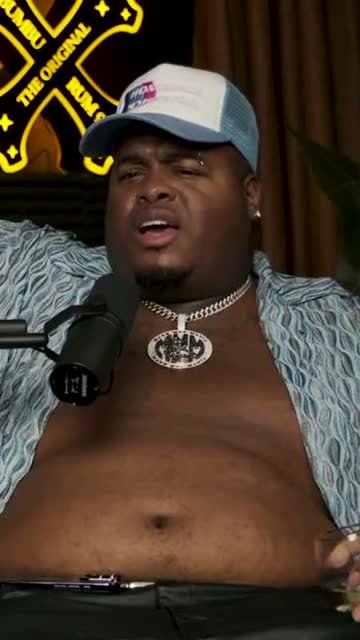
Where crunk really started
Export the clip
A vertical MP4 with captions between the two.
AI agent
Ask for conversations, not just clips
Ask for the best exchanges in an episode, then ask for the layout. The agent handles both.
It finds the exchanges
Moments where both people matter
“The moment they disagree about pricing.” It finds the exchange and returns it as a clip.
It lays them out
Split screen, names and captions
Ask for both faces, a name under each and bigger captions; each change is listed with an undo.
Knows both speakers
Matched by voice and lips.
Changes are visible
A list you can undo.
Your language
Ask in 15 languages.
Editor
Adjust each half by hand
Drag a speaker marker onto a face, change who sits on top, add a lower third to each half and set the caption style.
Swipe to see the whole editor →
1Who goes on top
Choose the order of the two speakers.
2Markers on faces
Drag to fix a face in seconds.
3A name per half
Lower thirds for host and guest.
4Saved as a layout
Use the same split for every episode.
Captions in between
The caption line sits where the eye already is
In split screen, captions move to the seam between the two halves, the natural place to look when two faces share the frame.
- Six caption styles
- Your font and colours
- Placed between the faces
Caption presets
Split screen in action
From one wide shot to two framed halves
Watch the real shot below switch between one speaker and both.
Switch to the speaker when it's a monologue
For long answers, switch the clip to follow the active speaker instead; Podsqueeze knows who is talking from the voice and the lips.
Both people, each in their own half
Podsqueeze finds both faces in your wide shot and gives each one a half of the vertical frame, centred and sized to match, so viewers see the answer and the reaction at the same time.
Edit the words
Tighten the exchange in the transcript
Remove the pauses and side remarks by deleting words; both halves stay in sync.
- Delete words, the video follows
- Both halves stay in sync
- Fix any misheard word
“Weird Al” Yankovic 12:44
✦ Cut the “um”sSo, um, I talked to him on the phone and I said, listen, I'd like to do a parody of your song. You know, and he said, oh, is it gonna be a song about food? This was the first time Nirvana played Saturday Night Live.
Export
Split screen clips for every platform
Download vertical MP4s for TikTok, Reels and LinkedIn, or schedule them to YouTube Shorts.
- Vertical split screen MP4s
- Square version available
- Scheduling to YouTube Shorts
YouTube Shorts
Off the Record · connected
Mon
Tue
Wed
Thu
Fri
Details
Two people, still one clean picture
Your colours
Dividers, captions and names in your brand.
Square works too
The split adapts to 1:1.
Music under both
Royalty-free tracks below the voices.
Titles per clip
A title and hook for each exchange.
Why Podsqueeze
Automatic split screen vs building it by hand
| Feature | Podsqueeze | Video editor |
|---|---|---|
| Finds both faces in one wide shot | By hand | |
| Each half centred on a face | By hand | |
| Switch to one speaker in one click | ||
| Captions placed between the halves | By hand | |
| Built by asking in plain words |
Loved by the people who make the shows
What is a split screen video?
A split screen video shows two people at once by dividing the frame. For vertical clips, that means one speaker on top and the other below, each in a half of the screen. It's the format used for interview and podcast clips when the reaction matters as much as the answer.
How to make a split screen podcast video
- Film both people in one wide shot. Both faces need to be in the same shot.
- Upload it to Podsqueeze. The AI finds the speakers and the best moments.
- Switch the clip to split screen. Each face gets its own half.
- Add names and captions. A lower third per speaker, captions in the middle.
- Export the vertical MP4. Post it to TikTok, Reels or Shorts.
When split screen works best
- Debates and disagreements: viewers want to see both faces.
- Jokes: the laugh is part of the moment.
- Fast back-and-forth: cutting between speakers every second feels jumpy.
- Interviews with a well-known guest: the host's reaction adds context.
For a long answer from one person, follow the active speaker instead; the frame feels calmer.
Split screen layout tips
- Keep both faces at a similar size so neither feels secondary.
- Put the person who speaks first on top.
- Use one caption line between the halves, not one per person.
Why make split screen clips with Podsqueeze
It builds the layout from a single wide shot, frames each face on its own and lets you switch between split screen and the active speaker in one click. Try it free on your next interview.
FAQ
Split screen videos, answered
Can't find what you're looking for? Our team answers within a day.
How do I make a split screen video from a podcast?
Upload the episode, open a clip and switch the layout to split screen. Podsqueeze finds both speakers in the wide shot and frames each one in its own half.
Do I need two separate camera files?
No. Podsqueeze builds the split screen from one wide shot with both people in it.
Where do the captions go?
Between the two halves, so viewers can read without looking away from either face.
Can I switch back to one speaker?
Yes, in one click. The clip then follows whoever is talking.
Is it free?
Yes. The free plan lets you make split screen clips with a small watermark. Paid plans remove it and add more minutes; the editing assistant is on Pro.
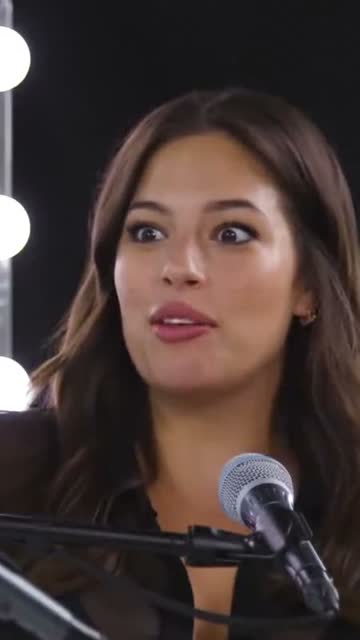
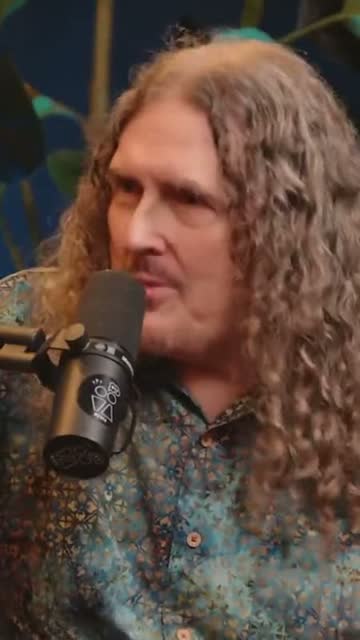
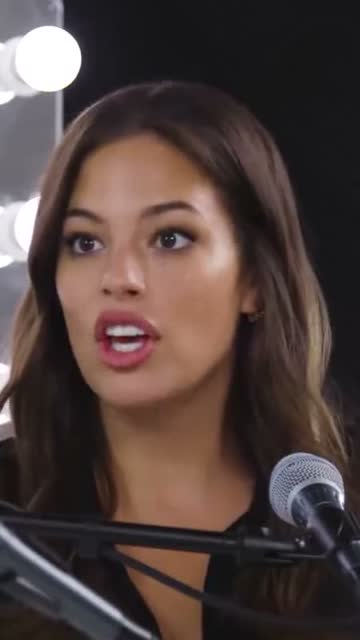
Put both sides of the conversation on screen
Upload an interview or podcast and make your first split screen clip.
Free plan · No credit card · Built from one wide shot
Related features: