The Headliner alternative for shows that went video
Started with audiograms, now filming your podcast? Podsqueeze makes both, and for video it follows whoever is talking, offers split screen and lets you edit any clip by asking.
Used by podcasters, networks and media around the world












From audiograms to video
Keep the audiograms, add proper video clips
One upload covers both formats.
Upload audio or video
An MP3, an MP4 or a YouTube link.
Get audiograms or framed clips
Cover art and waveform for audio, speaker framing for video.

Where crunk really started
Add the show notes
Summary, chapters and posts from the same episode.
AI agent
An assistant for both formats
Ask for moments, a teaser or changes to a clip; it works the same for audiograms and video clips.
It finds moments
Moments worth sharing, in either format
“The guest's best story, under a minute.” It returns a clip ready as an audiogram or a video.
It edits them
Changes by asking
Captions, names, music or the cut. Each change listed, each one undoable.
Reads the full episode
Moments from anywhere in it.
Transparent changes
Every edit listed.
15 languages
Ask in yours.
Editor
One editor for audiograms and video
Waveform, cover, captions, lower thirds and the transcript live in the same place for both formats.
Swipe to see the whole editor →
1Waveforms
Seven styles for audio-only clips.
2Speaker framing
Markers for each face in video.
3A timeline
Every element on its own track.
4Saved layouts
Your look on every clip.
Captions
The same captions on audiograms and video
Six caption styles that work on both formats, so your show looks the same everywhere.
- One style for both formats
- Your fonts and colours
- Fix words in the transcript
Caption presets
When you add cameras
Video clips that look edited by hand
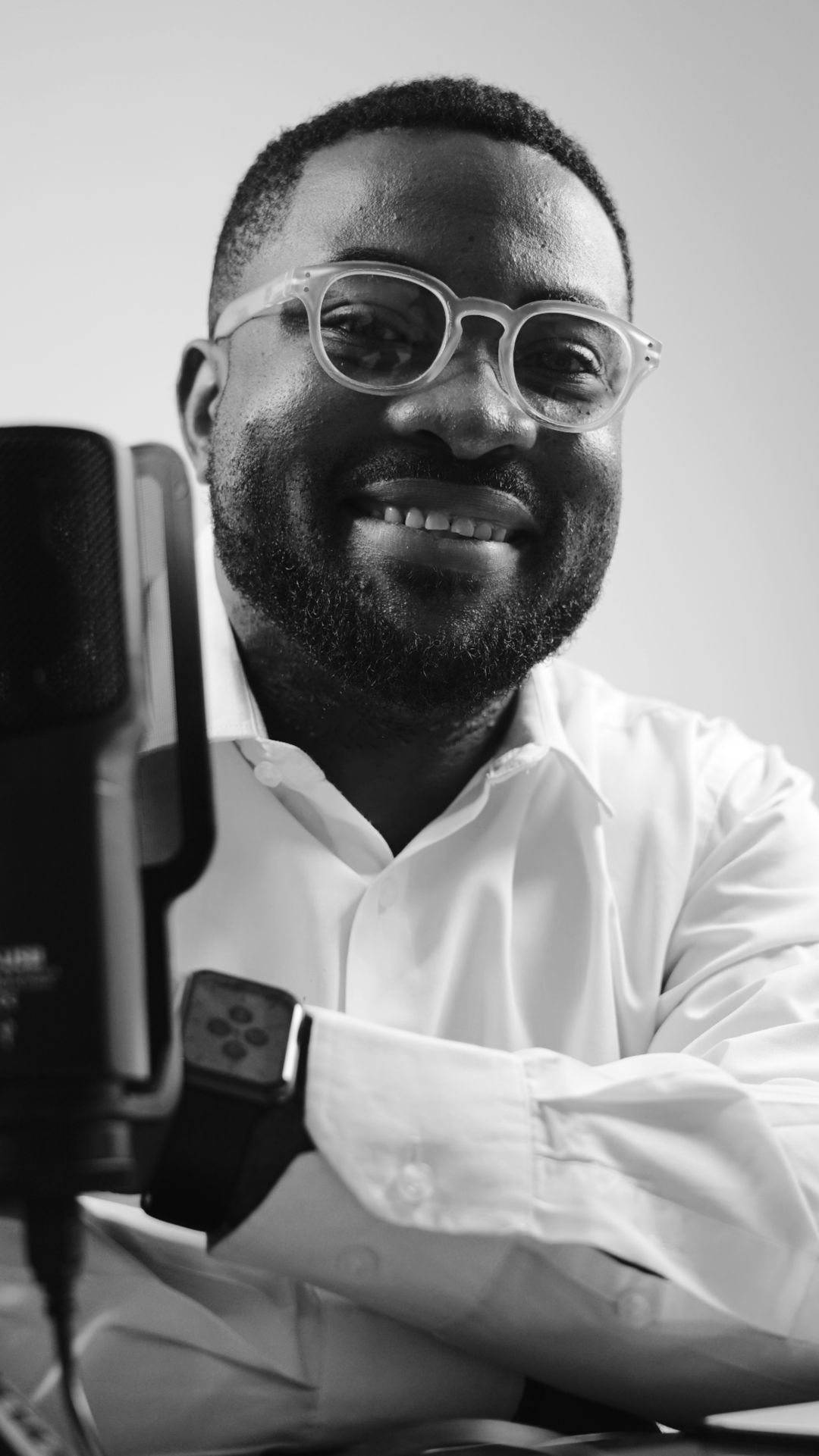
Follow the speaker or show both people. Watch the real shot below.
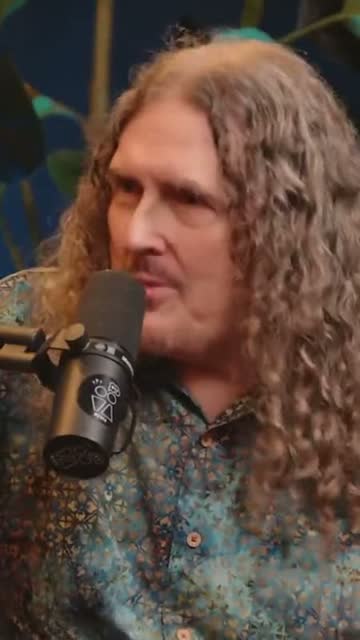
Video clips that follow whoever is speaking
When your show adds cameras, a static crop isn't enough. Podsqueeze matches each voice to a face by lip movement and moves the vertical frame to the person talking.
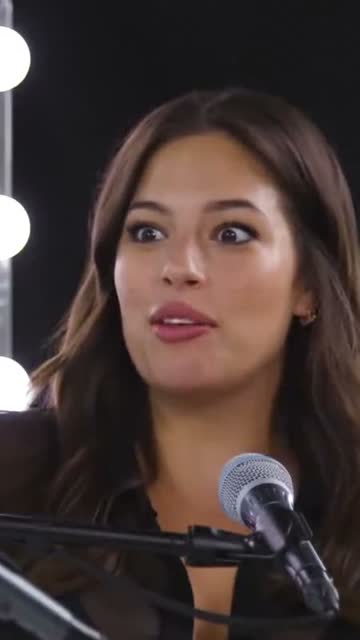
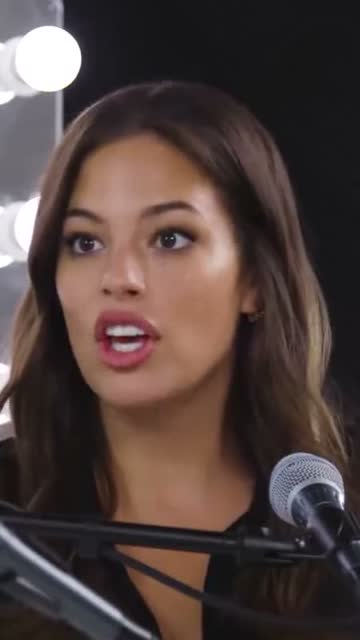
Host and guest on screen at once
For conversations, give each person half of the vertical frame, each centred on their face.
Text editing
Trim with the transcript
Delete a sentence and it's gone from the clip, whether it's an audiogram or a video.
- Works for audio and video
- Fix misheard names
- Extend by a sentence
“Weird Al” Yankovic 12:44
✦ Cut the “um”sSo, um, I talked to him on the phone and I said, listen, I'd like to do a parody of your song. You know, and he said, oh, is it gonna be a song about food? This was the first time Nirvana played Saturday Night Live.
Audiograms
Audiograms are still here
Audio-only episodes become audiograms with your cover art, a moving waveform and animated captions, in the same app as your video clips.
- Seven waveform styles
- Cover-led layouts
- Vertical, square and wide
The one email that grew our show
The Long Table · Ep. 18
We
The one email that grew our show
The Long Table · Ep. 18
We
Publishing
Post the clips where your audience is
Schedule clips to YouTube Shorts or download MP4s for Instagram, TikTok and LinkedIn.
- YouTube Shorts scheduling
- MP4 downloads
- A title per clip
YouTube Shorts
Off the Record · connected
Mon
Tue
Wed
Thu
Fri
Also included
The text side of the episode
Show notes
A summary and key points.
Chapters
Timestamps for your show page.
Social posts
Posts for each network.
Music
Royalty-free tracks under the voices.
Podsqueeze vs Headliner
Podsqueeze and Headliner, compared
| Feature | Podsqueeze | Headliner |
|---|---|---|
| Audiograms | ||
| AI video clips from long videos | ||
| Show notes and chapters | ||
| Video framing by voice and lips | Not listed | |
| Split screen for two speakers | Not listed | |
| Chat assistant that edits a clip | Not listed |
Loved by the people who make the shows
Podsqueeze or Headliner?
Headliner made its name with audiograms, and its RSS automation is still a quick way to post one for every episode. Podsqueeze makes audiograms too, but it was built for the move many shows are making now: filming the podcast. For video, it follows whoever is speaking, puts two people on screen when the conversation needs it and lets you change any clip by asking.
What you get in Podsqueeze
- Audiograms and video clips in one editor, with the same caption styles.
- Speaker framing by voice and lips for video episodes.
- Split screen for interviews.
- An assistant that finds moments and edits clips in plain words.
- Show notes, chapters and posts from the same upload.
When Headliner may fit better
If you publish audio only and want an audiogram for every new episode without opening an app, Headliner's AutoGram does that from your RSS feed.
How we compared
We compared using headliner.app's pricing and public pages in November 2026. Features change, so try both with your own episode. For a wider comparison of clip tools for podcasters, read our guide to Opus Clip alternatives.
FAQ
Switching from Headliner, answered
Can't find what you're looking for? Our team answers within a day.
Is Podsqueeze a good Headliner alternative?
Yes, especially if your podcast now has video. Both make audiograms, clips and show notes; Podsqueeze adds speaker framing by voice and lips, split screen and an assistant that edits clips when you ask.
What does Headliner do better?
Headliner's AutoGram can turn every new episode from your RSS feed into an audiogram automatically, and its plans start at a low price. If you only need automatic audiograms, it's a good fit.
How does Headliner pricing work?
According to headliner.app (checked November 2026), there is a free plan and paid Basic and Pro plans billed monthly or yearly. See our pricing page for Podsqueeze's plans.
Can I still make audiograms in Podsqueeze?
Yes. Audio-only episodes become audiograms with your cover art, a waveform and captions.
How did you compare the two?
We used headliner.app's pricing and public pages in November 2026. "Not listed" means we didn't find the feature there, not that it can't exist.
Your show went video. Your clips can too.
Upload your next episode and get audiograms, video clips and show notes.
Free plan · No credit card · Audio and video