An episode usually takes 5 to 10 minutes to process, longer for very long files or when many people are converting at once. If it is still processing after a few hours, the conversion has most likely failed and should be started again.
Steps
- Leave the page if you like. You don't need to keep it open. You get an email ("Your Episode is Ready") when it is done, and the episode appears on your Dashboard.
- Wait a little longer if you see the high-demand message. After about 15 minutes the processing page may say "We're experiencing higher than normal demand, so it might take longer than usual to process your request." The job keeps running; check your email or Dashboard later.
- If it has been hours, start again with the file itself.
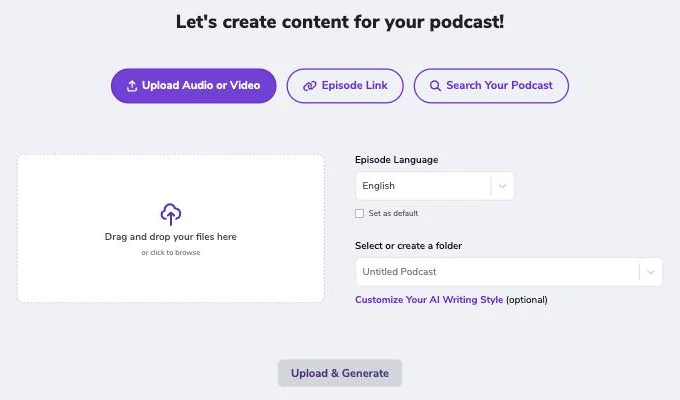
- For a YouTube link, download or export the audio or video and upload the file instead. Some YouTube videos block downloads, and the conversion cannot fetch them.
- For a file, check that it plays correctly on your computer, then export it again as MP3, WAV, M4A or MP4 and upload that copy. Corrupted files are a common cause.
- For a podcast feed (RSS) episode, try uploading the episode's audio file directly.
- If you see "Oops! We're experiencing some technical difficulties.", try again later. As the page says: "Don't worry, we won't discount any minutes!"
Good to know
- Minutes are only used when processing finishes, so a conversion that fails or never completes does not use your minutes.
- Very long episodes, and large video files, take longer to upload and process.
- Upload limits are 4 GB on Free and Starter and 10 GB on Pro and above. See supported formats and limits.
Troubleshooting
- The episode is not on the Dashboard at all. Check that you are signed in with the right email and in the right workspace. See I can't find my episodes.
- Still stuck after re-uploading. Email support@podsqueeze.com with your account email and the episode name.