When your episodes seem to have disappeared, the most common reason is that you signed in with a different email address than before, which opens a separate, empty account. Your episodes are still in the original account.
Steps
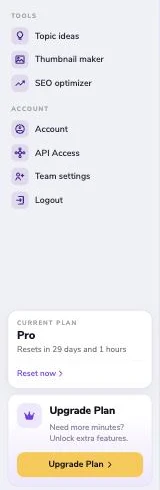
- Check the email you are signed in with. Open Account in the sidebar; the Profile section shows the email. Each email address is a separate Podsqueeze account.
- Sign out and sign in with the other email. Click Logout, then sign in with the address you used before. If you used Continue with Google last time, use it again with the same Google account; if you used an email and password, use those.
- Check the workspace. If you belong to a team, open Team settings and look at Active workspace. Your own episodes are in the workspace marked "(owner)"; a teammate's episodes are in theirs. The Dashboard banner says "Using … as …" when you are in someone else's workspace.
- Check the view. On the Dashboard, switch between Folders and Episodes, and use the search. Inside a folder with many episodes, click load all episodes to see more than the last 15.
- Check that the episode finished. You get an email when an episode is ready. If it never arrived, see processing is stuck.
Good to know
- Converted episodes stay in your Dashboard when you change plans.
- An episode that was deleted cannot be restored, and its minutes are not returned.
- If you forgot which email you used, search your inboxes for emails from Podsqueeze, such as "Your Episode is Ready".
Troubleshooting
- Password reset email does not arrive. It goes to the email of your Podsqueeze account. Check the spam folder, and make sure you typed the same address you signed up with.
- Still missing? Email support@podsqueeze.com from the address you think you used, with the episode or show name.