PRODUCT FEATURE
Free Audio Joiner & Merger
Last updated: 11/4/2026
Merge audio files online in your browser. Upload multiple MP3, WAV, or M4A tracks, reorder them, trim each clip, and download one combined file — then enhance or edit your full podcast with Podsqueeze or AI Audio Enhancer.














FREE ONLINE AUDIO MERGER
Join and merge audio files without installing software
Audio Joiner Online
Upload two or more audio files and combine them into a single track. Perfect for stitching podcast segments, voice memos, music loops, or interview clips into one polished file.
Reorder & Trim Before Merging
Drag clips into the right order with up/down controls, then trim start and end points on each file before you merge. Get the exact sequence you need without desktop software.
Free Browser Processing
Merging runs in your browser with FFmpeg — no upload to a third-party server for the join step. Download your merged audio, then route to AI cleanup or full podcast editing.
HOW IT WORKS
How to merge audio files online for free
1. Upload your audio files
Select two or more MP3, WAV, M4A, or other supported audio files. You can add more tracks at any time before merging.2. Reorder and trim each clip
Use the arrow buttons to set the playback order. Adjust the start and end trim sliders on each file to cut intros, outros, or silence before joining.3. Merge and download
Click merge to combine your clips into one MP3 file. For full-episode editing, transcript cuts, and AI enhancement, open our podcast audio editor or AI audio enhancer.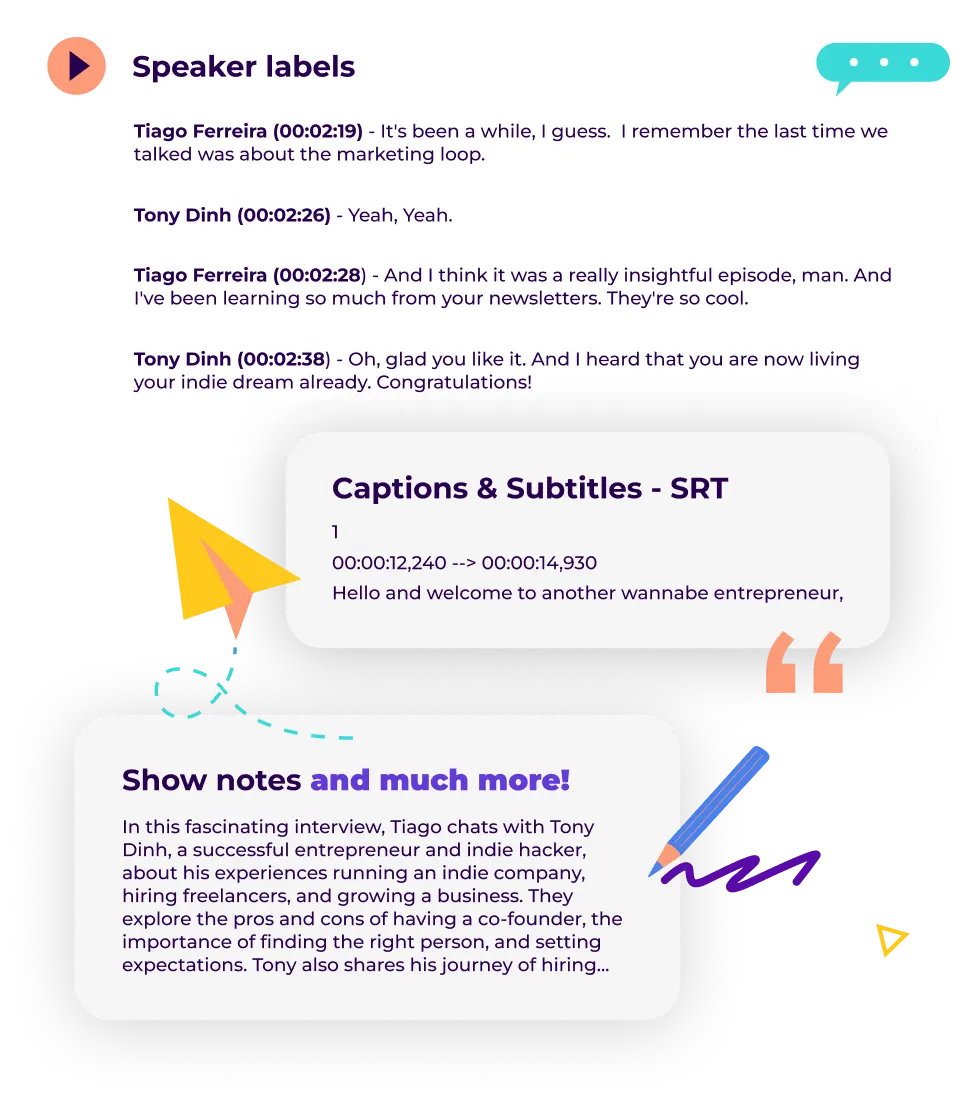
AUDIO JOINER FAQ
Frequently asked questions
What is an audio joiner?
An audio joiner (also called an audio merger or audio combiner) lets you combine multiple audio files into one continuous track. It is one of the most common edits for podcasters stitching episode segments, musicians layering takes, and creators merging voice memos.Is this audio merger free?
Yes. You can upload, reorder, trim, and merge audio files free in your browser. For noise removal, normalization, and mastering, use our AI audio enhancer. For transcripts and clips, use Podsqueeze.What audio formats can I merge?
You can upload MP3, WAV, M4A, AAC, OGG, and most common audio formats. The merged output is exported as MP3 for broad compatibility.Can I merge audio for podcasts?
Absolutely. Stitch intro, interview, and outro segments into one episode file, then continue in our online podcast editor or audio editor online for transcript editing and polishing.How is this different from an audio trimmer?
An audio trimmer cuts a section from one file. This audio joiner merges multiple files together — though you can trim each clip before joining. Use both tools for quick edits, then Podsqueeze for transcription and repurposing.Can I improve audio quality after merging?
Yes. Run your merged file through our AI audio enhancer to remove background noise, normalize volume, and polish clarity before publishing.What is AudioEditor.pro?
AudioEditor.pro is a browser-based audio editor built by Podsqueeze for creators who need to trim, merge, and edit full episodes before repurposing or publishing.Merge clips today, full podcast workflow tomorrow
Start with a free merge
Combine multiple audio files in your browser — reorder, trim, and download with no software to install.Scale to professional editing
When you need transcript-based editing, AI cleanup, or clip repurposing, Podsqueeze picks up where basic merging leaves off.Built for creators
From solo podcasters to video creators, join audio fast here and route advanced work to the tools you already use.
MORE RESOURCES FOR YOUR PODCAST
Learn how to get the most out of your content
How to repurpose podcast content and grow your audience
Repurpose your podcast content and grow your audience with these actionable tips, Q&As, and real-life examples.
Podcast SEO Best Practices
Boost your podcast's discoverability and draw in new listeners by following these SEO best practices
Everything you need to know about podcast transcription
Everything You Need to Know about podcast transcription. How to transcribe your podcast and why it matters.