PRODUCT FEATURE
Free Audio Trimmer
Last updated: 10/3/2026
Trim MP3, WAV, and M4A files online with professional editing tools. Cut intros, outros, highlights, or voice memos in your browser — then export or continue to transcription, AI cleanup, and podcast repurposing with Podsqueeze.
Trim Audio Free














FREE ONLINE AUDIO CUTTER
Trim and cut audio without installing software
MP3 Cutter Online
Upload any common audio format and cut to the exact section you need. Export trimmed clips ready for podcasts, ringtones, social posts, or voice memos.
Waveform & Transcript Editing
See your audio on a waveform or edit by transcript. Precise cuts are faster when you can scrub visually or delete text to remove whole sections.
Free Browser Editing
Start trimming online with no software download. Get 30 minutes of free editing per month — perfect for quick cuts or trying the platform before upgrading.
HOW IT WORKS
How to trim audio online for free
1. Sign up and upload
Create your free account and upload an MP3, WAV, M4A, or other supported audio file. No credit card required.2. Trim your audio
Use the waveform editor to set your cut points, or edit by transcript for faster precision. Remove silences, filler words, and unwanted sections in a few clicks.3. Export your trimmed clip
Download your edited audio in the format you need. For full-episode editing, transcript cuts, and AI enhancement, open our podcast audio editor or free audio editor.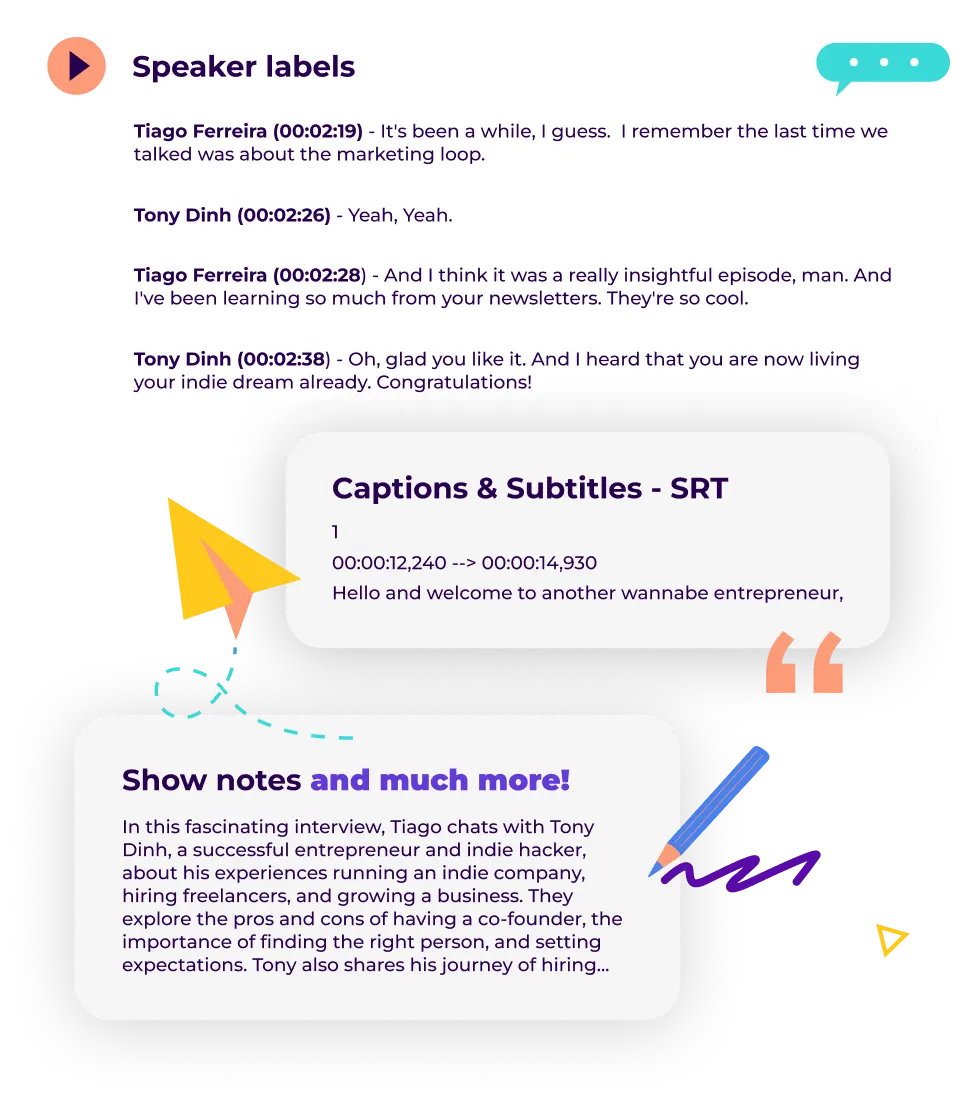
AUDIO TRIMMER FAQ
Frequently asked questions
What is an audio trimmer?
An audio trimmer (also called an MP3 cutter or audio cutter online) lets you cut a section from a longer recording and save it as a new file. It is one of the most common quick edits for podcasters, musicians, and creators who only need a short clip.Is this MP3 audio trimmer free?
Yes. We offer free audio editing software with 30 minutes of editing per month. Trim, cut, and export audio with no credit card required.What audio formats are supported?
You can upload MP3, WAV, M4A, AAC, OGG, and most common audio formats. Export in the format that fits your workflow.Can I trim audio for podcasts?
Absolutely. Use this page to get started, then continue in our online podcast editor or audio editor online for transcript editing, noise cleanup, and episode polishing.Can I merge multiple audio files together?
Yes. Use our free audio joiner to upload, reorder, trim, and combine multiple clips into one file before publishing.What if I need more than a simple cut?
Open the full audio editor for waveform and transcript editing, or upload to Podsqueeze to transcribe, generate show notes, and create social clips from your episode.Can I improve audio quality after trimming?
Yes. Run your trimmed file through our AI audio enhancer to remove background noise, normalize volume, and polish clarity before publishing.What is AudioEditor.pro?
AudioEditor.pro is a browser-based audio editor built by Podsqueeze for creators who need to trim and edit full episodes before repurposing or publishing. Upload a recording, cut by transcript, remove silences and filler words, enhance audio quality, and export polished audio without installing desktop software.Quick cuts today, full podcast workflow tomorrow
Start with a free trim
Cut intros, outros, highlights, or voice memos in your browser — no software to install.Scale to professional editing
When you need transcript-based editing, AI cleanup, or clip repurposing, Podsqueeze picks up where basic trimming leaves off.Built for creators
From solo podcasters to video creators, trim fast here and route advanced work to the tools you already use.
MORE RESOURCES FOR YOUR PODCAST
Learn how to get the most out of your content
How to repurpose podcast content and grow your audience
Repurpose your podcast content and grow your audience with these actionable tips, Q&As, and real-life examples.
Podcast SEO Best Practices
Boost your podcast's discoverability and draw in new listeners by following these SEO best practices
Everything you need to know about podcast transcription
Everything You Need to Know about podcast transcription. How to transcribe your podcast and why it matters.