Remove Noise from YouTube Videos
Enhance your YouTube content by eliminating background noise, removing filler words, and editing out long silences. With our advanced AI technology, you can quickly and easily produce high-quality videos that captivate your audience and keep them engaged.
Processing lots of files? Try AudioEnhancer
EFFORTLESSLY IMPROVE AUDIO QUALITY
Enhance Your YouTube Videos 20x Faster
Save videos with poor audio recordings
Podsqueeze can often save recordings made in poor audio conditions. Whether your recordings are made on the go with a cell phone or in rooms with subpar acoustics
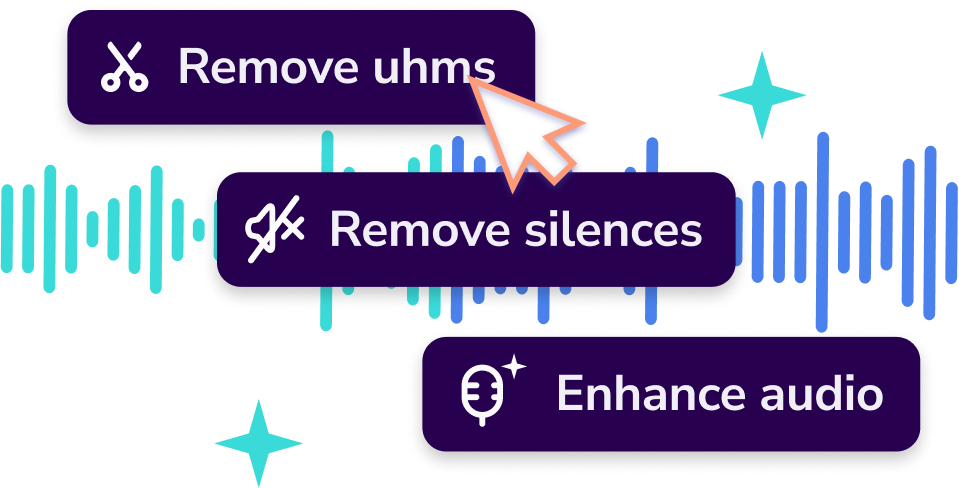
Remove filler words and silences
Remove filler words and silences from your audio while trimming your YouTube video accordingly.
Streamline Your Video Production
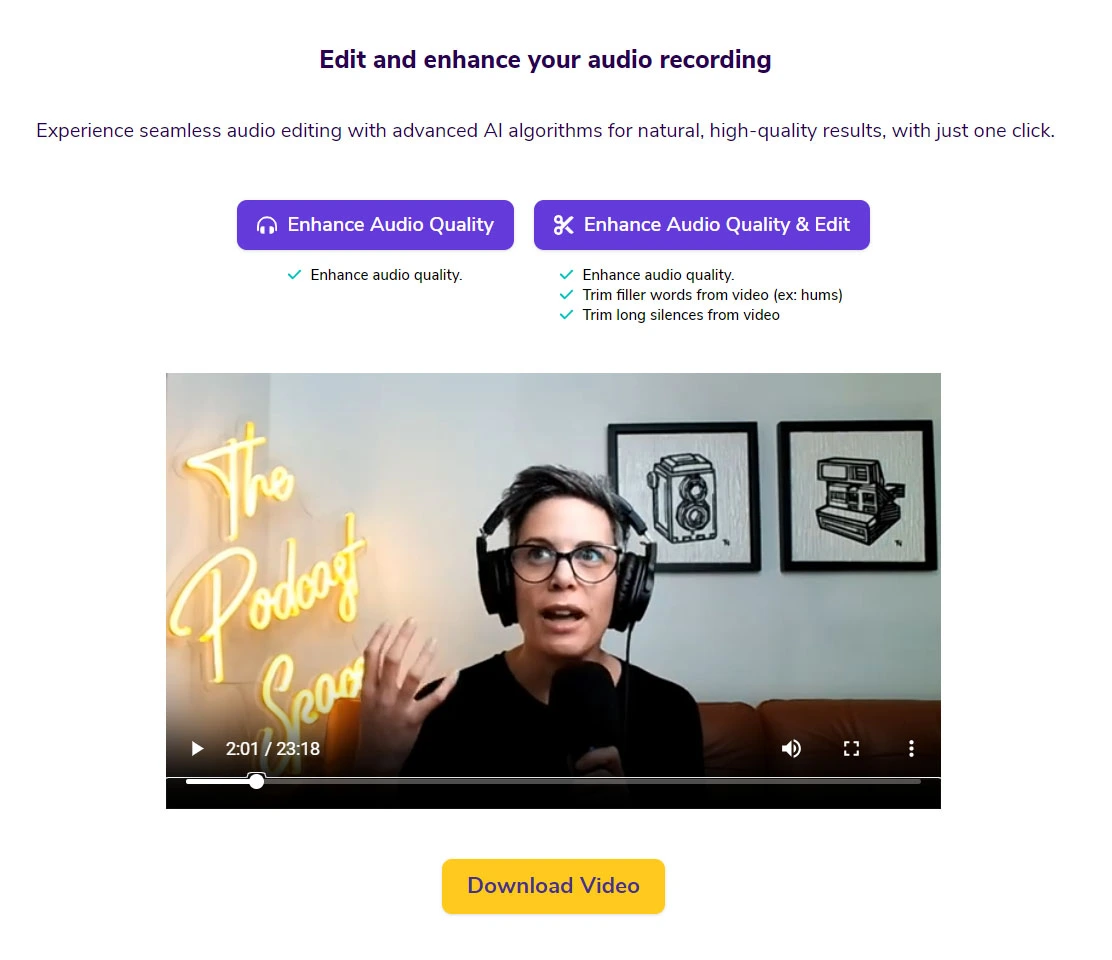
Whether you want to enhance the audio quality of your video or edit out long silences and filler words, you can do it with a single click.
USER-FRIENDLY AUDIO ENHANCER
How to Enhance Your YouTube Audio with Our Tool
1. Create an Account
Sign up for an account. It's quick, free, and no credit card is required.
2. Upload Your Video
Simply upload your YouTube video to our platform. Our AI will automatically start processing the audio to remove background noise, filler words, and long silences.
3. Download Enhanced Video
In just a few minutes, your video will be ready with enhanced audio quality and seamless edits. Download and share it on YouTube or other platforms.
LEARN MORE ABOUT OUR AUDIO ENHANCER
Frequently Asked Questions
How does the noise removal work?
Our advanced AI algorithms analyze your video’s audio track to identify and remove background noise, filler words, and long silences, leaving your voice clear and professional. This process is quick and highly accurate, ensuring the best possible audio quality.
Can the AI handle all types of background noise and filler words?
While our AI excels at removing most types of common background noise, filler words, and long silences, there may be some complex audio scenarios where a human touch is beneficial. However, for most videos, our tool will significantly enhance audio quality.
How does better audio quality and editing benefit my YouTube videos?
High-quality audio and seamless editing are crucial for viewer retention and engagement. Clear, professional-sounding audio and concise content make your videos more enjoyable to watch and help convey your message more effectively. Enhanced audio and editing can also improve your video’s ranking on YouTube by increasing viewer satisfaction and watch time.
Maximize Your YouTube Channel’s Reach
Create Engaging Clips for Social Media
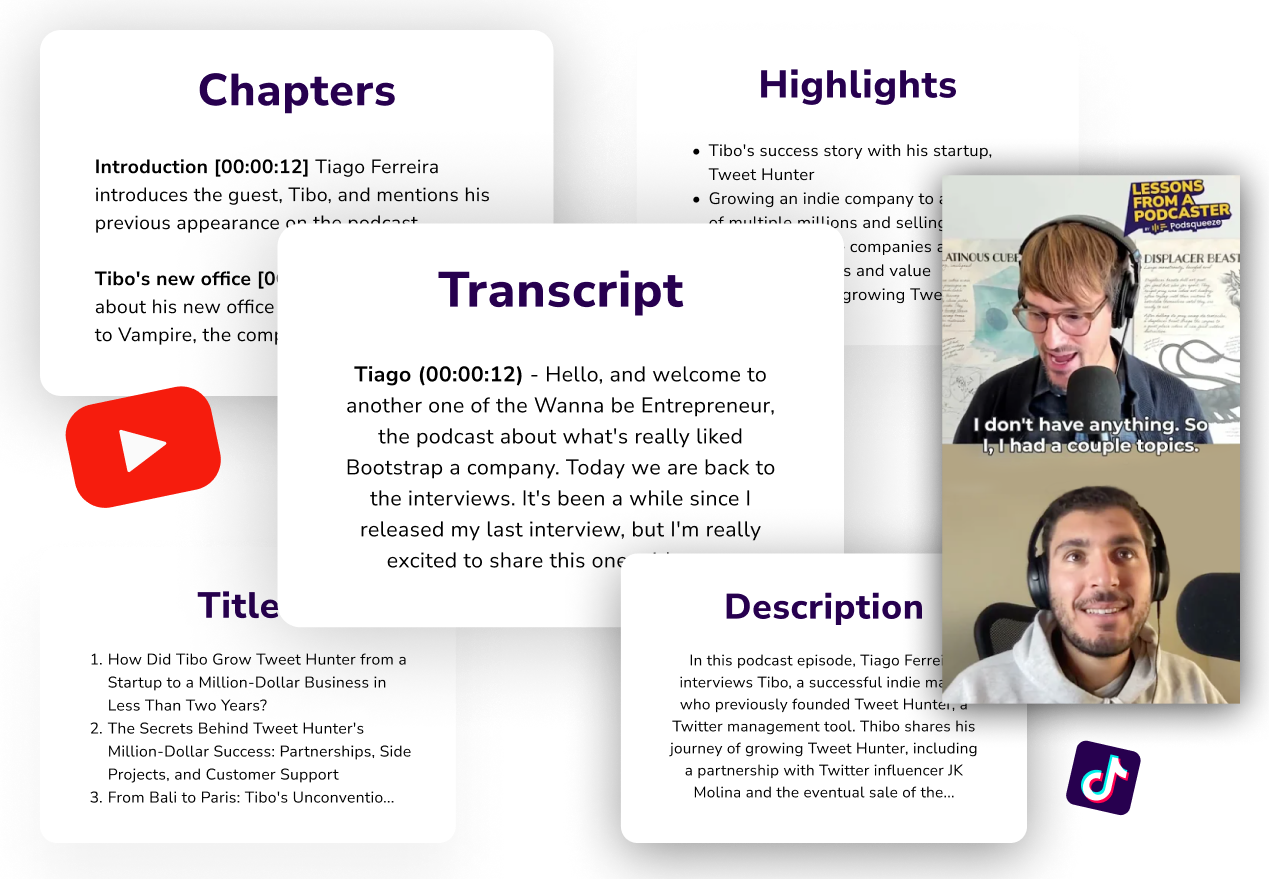
Podsqueeze allows you to create short, engaging clips from your videos with seamless edits and automatic subtitles for sharing on social media with one click. Increase your content’s reach and attract more viewers to your YouTube channel.
Generate blog posts and newsletters for your episode
With Podsqueeze AI, effortlessly generate blog posts for your episodes, effectively boosting your podcast's SEO and expanding its reach across the web. Additionally, our newsletter feature allows you to create newsletter content with human-level accuracy, ready to be shared with your email audience, simplifying your marketing efforts and enhancing audience engagement.
MORE RESOURCES FOR YOUR PODCAST
Learn how to get the most out of your content
How to repurpose podcast content and grow your audience
Repurpose your podcast content and grow your audience with these actionable tips, Q&As, and real-life examples.
Podcast SEO Best Practices
Boost your podcast's discoverability and draw in new listeners by following these SEO best practices
Podcast Show Notes Templates
Everything you need to know about podcast show notes with examples and templates to get you started