BLOG ARTICLE
Best AI Tools to Make Your Content Look and Sound Professional
Last updated: 10/21/2026
TL;DR
- Professional content is mostly about removing friction: unclear audio, soft video, blurry visuals, and rough pacing.
- AudioEnhancer.com helps clean voice recordings (noise, echo, uneven levels) before publishing.
- VideoQualityEnhancer.com helps improve low-quality or compressed footage before clipping/reposting.
- PhotoSharpener.com helps sharpen and upscale thumbnails, screenshots, and creator images.
- Gling helps tighten talking-head edits by removing silences, filler words, and bad takes.
- Podsqueeze helps repurpose polished long-form content into clips, posts, summaries, and newsletters.
Most creators do not record in perfect conditions.
Podcasts are recorded in home offices. Interviews happen over Zoom. Product demos are captured quickly. Guest audio arrives with background noise. Video clips get compressed. Thumbnails are pulled from low-resolution frames. Sometimes the idea is strong, but the media does not quite look or sound ready to publish.
That is where AI can be genuinely useful.
Not as a shortcut for weak content, but as a way to remove the distractions that make good content feel less professional. Bad audio, soft video, blurry images, awkward pauses, and rough formatting all create friction. People may not consciously notice every technical flaw, but they feel the difference.
This guide focuses on AI tools that help content creators improve the production quality of their existing content: audio, video, images, editing, and repurposing.
What Makes Content Look and Sound Professional?
Professional content is not always cinematic. It does not need to look like a studio production or sound like a broadcast ad.
For most creators, “professional” simply means the content does not get in the way of the message.
That usually comes down to a few things:
- The voice is clear.
- The volume is consistent.
- Background noise is controlled.
- The video is sharp enough for the platform.
- The image assets do not look blurry or compressed.
- The pacing feels intentional.
- The final content is formatted for the channel where it will be published.
A podcast clip can be simple and still feel professional. A talking-head video can be filmed at home and still look credible. A thumbnail does not need to be overdesigned, but it should not look like a blurry screenshot.
The goal is not perfection. The goal is to remove the rough edges that make people notice the production instead of the content.
1. AudioEnhancer.com — Clean Up Voice Recordings Before You Publish
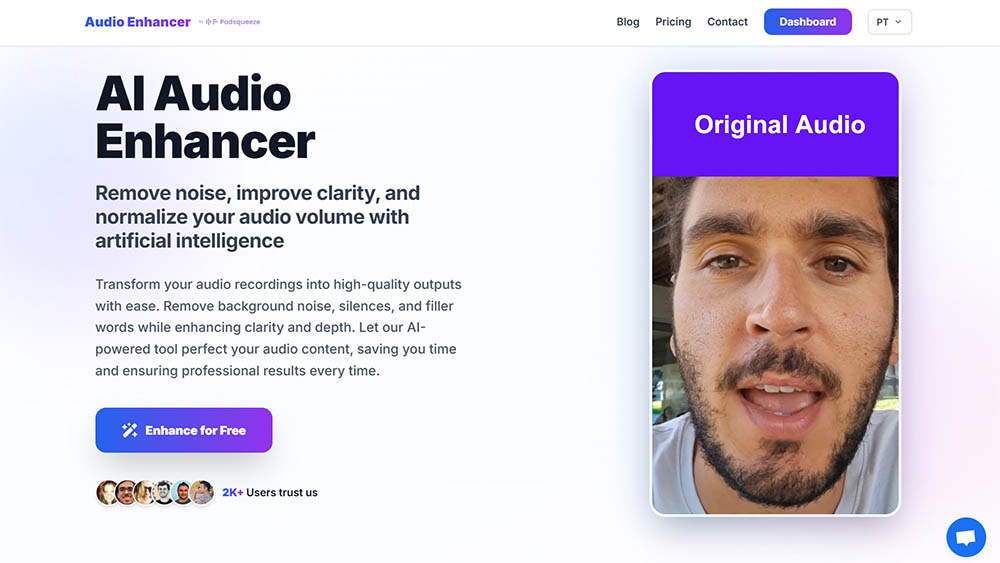
If there is one part of content quality that matters most, it is audio.
People will often tolerate imperfect video, especially on social platforms, but poor audio is much harder to ignore. Background noise, uneven volume, echo, hiss, and unclear speech can make even a great episode, interview, or tutorial feel amateur.
AudioEnhancer.com is the standalone version of the audio enhancement technology built by Podsqueeze. It is especially useful for creators who like the audio enhancer inside Podsqueeze but want a dedicated, simple interface for cleaning up audio files.
The tool is built around common creator problems: improving clarity, reducing noise, normalizing volume, and making spoken recordings sound more polished without manual audio editing.
Use it when you have:
- a podcast episode recorded in a noisy room
- a remote interview where one speaker sounds worse than the other
- a YouTube voiceover with background hum
- a webinar recording with uneven participant volume
- a video where the voice is technically audible but not pleasant to listen to
- an old recording you want to reuse in a new campaign
The most useful thing about an audio enhancer is that it improves the source material before everything else happens.
Cleaner audio can make the rest of the workflow better: transcription, clipping, editing, repurposing, and publishing. If you are using a podcast or long-form recording as the foundation for multiple pieces of content, the audio should be fixed as early as possible.
For example, a creator might record a podcast interview, clean the audio with AudioEnhancer.com, then use the improved version to create clips, summaries, show notes, and social posts. The content is the same, but the perceived quality is higher across every format.
Best for:
- podcasters
- YouTubers
- course creators
- webinar hosts
- interview-based creators
- marketers repurposing calls or recordings
- creators who want one-click audio cleanup
AudioEnhancer.com is not trying to be a full professional audio workstation. That is the point. For creators who do not want to spend hours adjusting EQ, compression, denoising, and levels, a simple audio cleanup tool can be enough to make content sound much more publishable.
2. VideoQualityEnhancer.com — Improve Low-Quality Video Before Turning It Into Clips
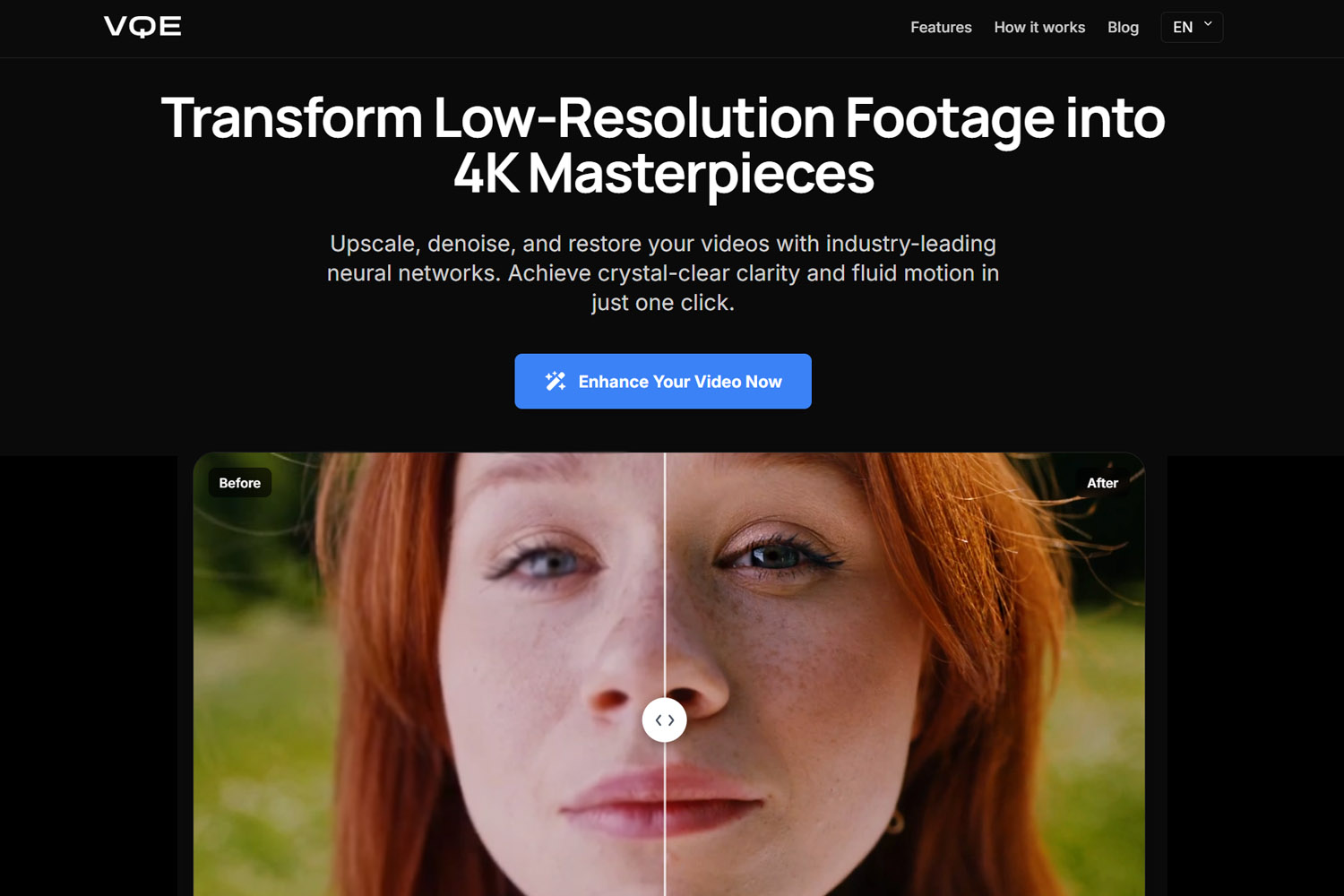
Video quality becomes especially important when you start repurposing content.
A long webinar may look acceptable when watched in full, but once you crop it into short-form clips, the flaws become more obvious. A podcast video may be good enough for YouTube, but soft or compressed when reused for LinkedIn, TikTok, Instagram Reels, or landing page embeds.
VideoQualityEnhancer.com is designed for creators who have footage that is usable but not quite polished enough. It focuses on improving video quality with AI, including upscaling low-quality video, increasing clarity, reducing noise, and sharpening footage.
This is useful when the content is valuable, but the file itself is not ideal.
Common examples:
- Zoom recordings
- podcast video clips
- old YouTube videos
- compressed social media downloads
- phone footage
- webinar highlights
- online course clips
- low-resolution exports
- customer testimonial videos
- product walkthroughs recorded quickly
The strongest use case is not “turn bad footage into a Hollywood production.” It is much more practical than that: making usable footage look less cheap.
That matters because most creator content now gets judged in seconds. If a clip looks blurry, compressed, or outdated, people may assume the content itself is lower quality before they even listen.
Video enhancement is especially helpful when repurposing older content. Many creators have valuable recordings sitting in folders: interviews, talks, demos, webinars, livestreams, and educational videos. The ideas may still be relevant, but the video quality may not match today’s standards.
An AI video enhancer can help make that material usable again.
Best for:
- improving podcast video clips
- cleaning up low-resolution footage
- preparing old content for reposting
- making webinars more suitable for short-form clips
- improving videos before publishing on social platforms
- upgrading rough video assets without complex editing software
If your content strategy depends on turning long-form video into short-form assets, improving the video quality before clipping can make the final output feel much more intentional.
3. PhotoSharpener.com — Sharpen Thumbnails, Screenshots, Portraits, and Visual Assets
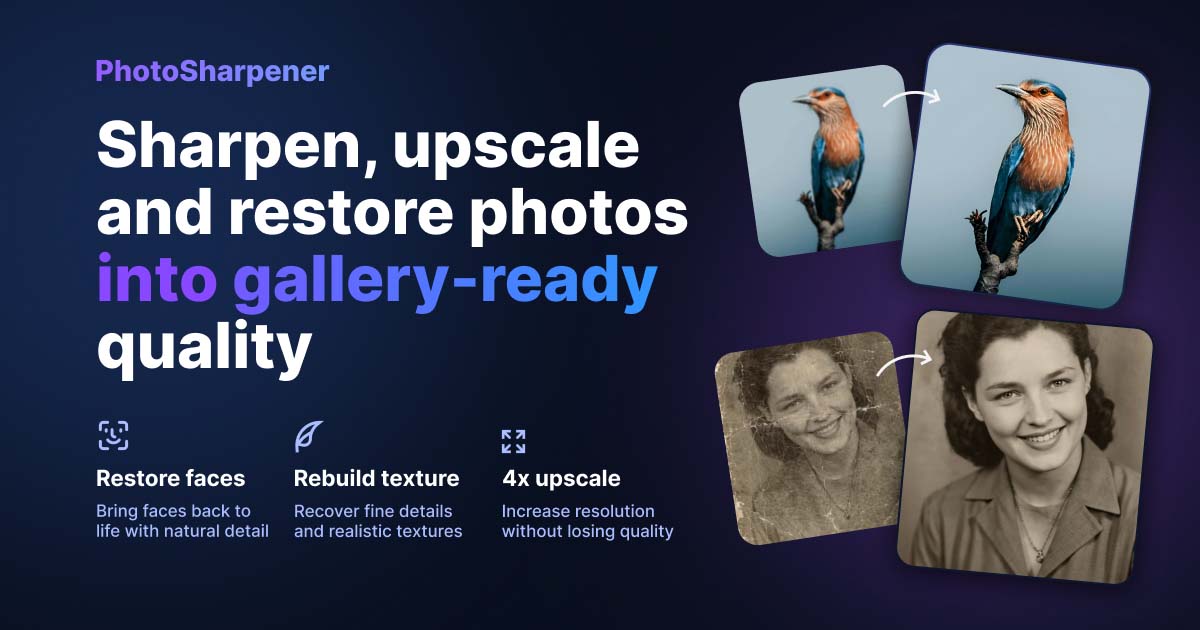
Creators often think about audio and video first, but still images matter too.
Thumbnails, guest portraits, podcast cover art, screenshots, blog images, product photos, and social graphics all shape how professional your content feels before someone clicks.
PhotoSharpener.com is an AI photo sharpener, upscaler, and face restoration tool. It is designed to sharpen blurry photos, recover detail, upscale images up to 4x, clean up artifacts, and improve images that are good enough to use but too soft or compressed to look polished.
This is useful because creators rarely work with perfect image assets.
You may need to use:
- a guest headshot pulled from LinkedIn
- a frame taken from a video
- a compressed image sent by a client
- a screenshot from a product demo
- an old brand photo
- a soft thumbnail draft
- an image exported from a social platform
- a low-resolution photo from an archive
In these cases, the image may be useful, but not ready.
PhotoSharpener.com is especially relevant for creators because it does not just apply a basic sharpen filter. It uses AI super-resolution to rebuild detail and improve the image in a more natural way than simply increasing contrast around edges.
Good use cases include:
- sharpening YouTube thumbnails
- improving podcast guest portraits
- cleaning up blog feature images
- upscaling screenshots for tutorials
- improving product images for landing pages
- restoring old photos used in storytelling content
- preparing images for ads, banners, and social posts
- improving user-generated content before using it in campaigns
For content creators, this can have a direct impact on performance.
A blurry thumbnail can reduce trust. A soft product image can make a landing page feel less polished. A low-quality guest portrait can make a podcast episode look less credible. A messy screenshot can make a tutorial harder to follow.
The content may be good, but the first impression suffers.
Best for:
- YouTubers
- podcasters
- bloggers
- newsletter creators
- product marketers
- course creators
- agencies preparing client assets
- creators reusing old or compressed images
PhotoSharpener.com fits naturally into a creator workflow because it helps with the visual assets around the main content. You may not need it for every post, but when a key image looks too blurry to publish, it can save an asset that would otherwise be replaced.
4. Gling — Tighten Rough Talking-Head Videos
Production quality is not only about resolution, sharpness, and sound quality.
It is also about pacing.
A video can be visually clear and still feel rough if it has long pauses, repeated takes, filler words, dead air, or awkward cuts. This is especially common with talking-head videos, tutorials, commentary, and educational content.
Gling is an AI video editing tool focused on helping creators clean up raw recordings faster. It can remove silences, filler words, and bad takes, which makes it useful for creators who record themselves speaking directly to camera.
This is a different type of polish.
AudioEnhancer.com makes the voice sound better. VideoQualityEnhancer.com makes the footage look cleaner. PhotoSharpener.com improves still images. Gling helps the actual edit feel tighter.
That matters because pacing affects perceived quality. A creator who speaks clearly but leaves too much dead space in the final edit can lose attention quickly. On YouTube and social platforms, a tighter edit often feels more professional even if the production setup is simple.
Use Gling when you have:
- a talking-head YouTube video
- a tutorial with long pauses
- a creator video with multiple takes
- a course recording that needs cleanup
- a video podcast segment that needs trimming
- a rough camera recording that is too slow in its raw form
Best for:
- YouTubers
- educators
- solo creators
- course creators
- coaches
- tutorial creators
- anyone recording unscripted video
Gling is a good addition to this workflow because it handles the rhythm of the content, not just the technical quality of the file.
Once your audio is clean and your video looks good, tightening the edit helps the final piece feel deliberate.
5. Podsqueeze — Turn Polished Long-Form Content Into More Assets
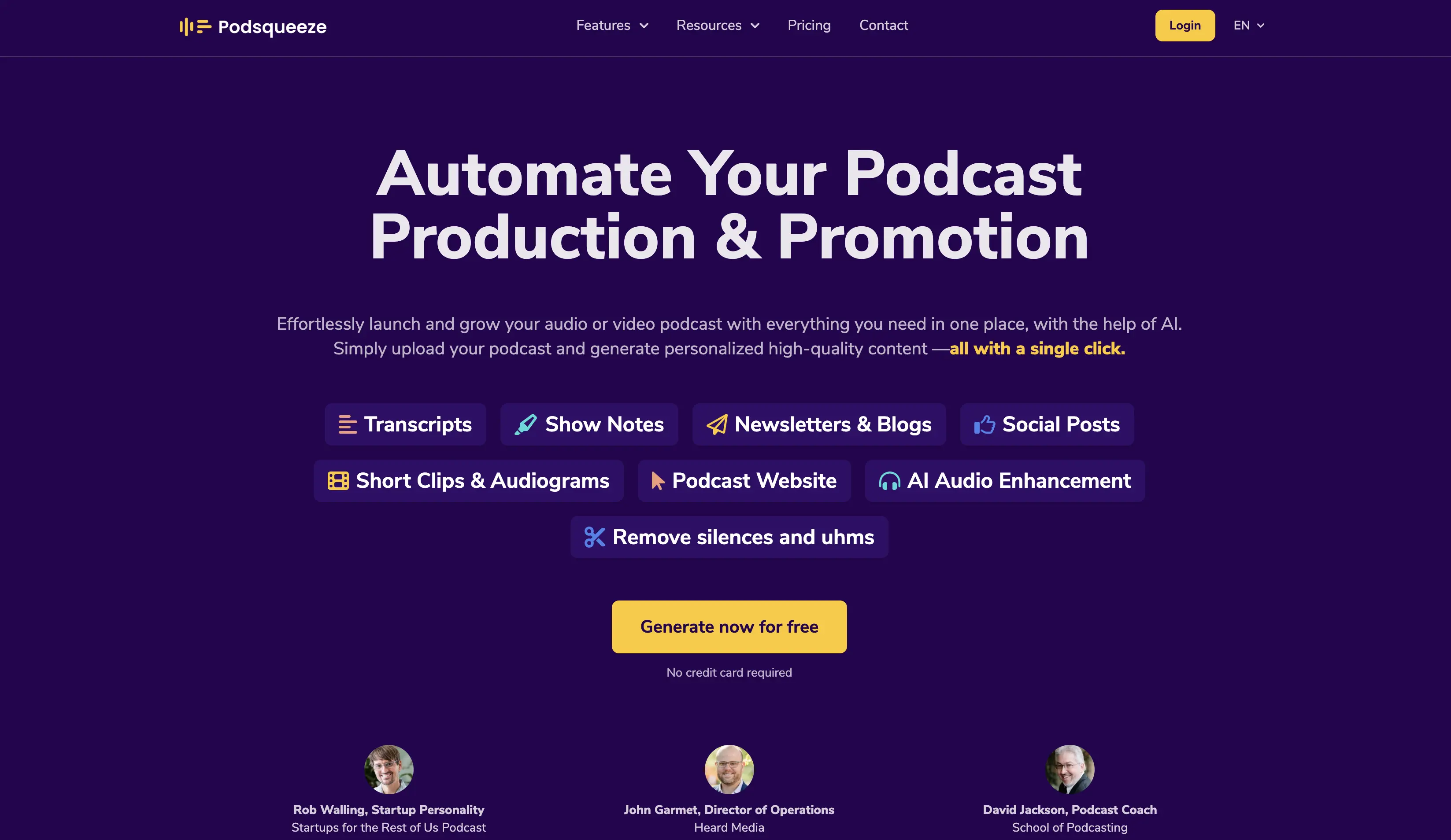
Once your content looks and sounds good, the next question is: what else can you do with it?
This is where Podsqueeze fits into the workflow.
Podsqueeze helps creators repurpose podcasts, interviews, webinars, and long-form recordings into publishable content. Instead of treating one episode as a single asset, you can turn it into multiple formats: clips, show notes, summaries, blog posts, newsletters, timestamps, social posts, titles, descriptions, and more.
This matters because polishing content is only half the job.
A cleaned-up podcast episode is more valuable if it can become:
- a blog post
- short clips
- LinkedIn posts
- newsletter content
- episode summaries
- YouTube descriptions
- quote-based social posts
- timestamps and chapters
- promotional snippets
That is the real creator workflow:
- Record the original content.
- Clean the audio.
- Improve the video if needed.
- Sharpen the supporting visuals.
- Tighten the edit.
- Repurpose the best material into platform-specific assets.
Podsqueeze is the repurposing layer.
It is especially useful for podcasters and video creators because long-form content often contains more value than gets used. A one-hour conversation may include multiple ideas, quotes, clips, hooks, and written content opportunities. Without a repurposing workflow, most of that value disappears after the episode is published.
Best for:
- podcasters
- interview shows
- webinar creators
- B2B content teams
- agencies
- YouTube creators
- founders doing thought leadership
- marketers turning recordings into content
If tools like AudioEnhancer.com, VideoQualityEnhancer.com, and PhotoSharpener.com improve the quality of the media, Podsqueeze helps you turn that improved media into a full content package.
What AI Enhancement Tools Can and Can’t Fix
AI enhancement tools are powerful, but they are not magic.
They work best when the original content has a strong foundation but needs cleanup. A slightly noisy podcast, a compressed video, a soft image, or a rough edit can often be improved significantly.
They can usually help with:
- background noise
- uneven volume
- mild echo
- low-resolution video
- compression artifacts
- soft images
- blurry thumbnails
- old photos
- rough pacing
- long silences
- simple repurposing tasks
But they cannot fully fix everything.
They may struggle with:
- completely unintelligible speech
- heavily distorted or clipped audio
- extreme motion blur
- footage with no visible detail
- very dark video with limited information
- images where important details are fully missing
- poor framing
- weak content
- unclear ideas
The better the source file, the better the output.
That does not mean you need a professional studio. It just means you should still try to capture the best possible recording: use a decent microphone, reduce background noise, frame the shot clearly, and save the highest-quality files you can.
AI tools are best used as a finishing layer, not as an excuse to ignore the basics.
Final Thoughts
The creator economy often pushes people to make more content.
More episodes. More clips. More posts. More videos. More platforms.
But sometimes the highest-leverage move is not creating more. It is making the content you already have feel more professional.
A strong interview with poor audio can be cleaned up. A useful webinar can become short clips. A blurry thumbnail can be sharpened. An old video can be enhanced. A rough recording can be tightened. A polished podcast can become a full library of content assets.
That is where AI tools are most useful for creators: not replacing the creative process, but helping good content survive the production process.
Start with the source media. Remove the distractions. Improve the audio, video, and visuals. Then repurpose the strongest material into formats people can actually discover, watch, read, and share.
FAQs
What are the best AI tools to make content look and sound professional?
Some of the best AI tools for making creator content look and sound more professional include AudioEnhancer.com for cleaning voice recordings, VideoQualityEnhancer.com for improving video quality, PhotoSharpener.com for sharpening images, Gling for tightening rough video edits, and Podsqueeze for repurposing polished long-form content into clips, posts, summaries, and other assets.
Can AI make bad audio sound professional?
AI can improve many common audio problems, including background noise, uneven volume, mild echo, and unclear speech. However, it cannot fully repair audio that is extremely distorted, clipped, or unintelligible. The best results usually come from recordings that are imperfect but still usable.
Can AI improve video quality for social media clips?
Yes. AI video enhancers can help improve low-resolution, compressed, noisy, or soft video footage. This is useful when repurposing webinars, podcast videos, Zoom recordings, old content, or long-form videos into short-form social clips.
What is the best AI tool for sharpening thumbnails and creator images?
PhotoSharpener.com is a useful option for sharpening thumbnails, screenshots, portraits, product photos, and other visual assets. It is especially helpful when an image is good enough to use but looks too blurry, compressed, or low-resolution to publish.
Should I enhance audio before or after editing?
In most cases, it is better to enhance audio before publishing, clipping, transcribing, or repurposing. Cleaner source audio can improve the quality of the final content and make the rest of the workflow easier.
How does Podsqueeze fit into this workflow?
Podsqueeze fits after the source content is polished. Once your podcast, interview, webinar, or video looks and sounds good, Podsqueeze helps turn it into clips, summaries, show notes, blog posts, newsletters, social posts, and other content assets.
Do AI enhancement tools replace professional editors?
Not completely. AI enhancement tools are best for speeding up common cleanup tasks, such as reducing noise, improving clarity, sharpening images, upscaling video, removing silences, and repurposing content. For complex creative edits, brand storytelling, advanced color grading, or high-end production, a professional editor may still be the better option.
What should creators fix first: audio or video?
Usually, audio should come first. Poor audio is more distracting than imperfect video, especially for podcasts, interviews, webinars, and educational content. Once the voice is clear and easy to understand, you can improve the video, sharpen the visuals, and repurpose the content into more formats.
Repurpose your podcast content with AI