Remove Background Noise with AI
Easily transform your audio recordings into professional-grade quality. Eliminate background noise with our advanced AI tool, ensuring clear, crisp sound with every recording. Let our AI-driven noise remover take care of your audio, saving you time and delivering excellent results consistently.
Processing lots of files? Try AudioEnhancer
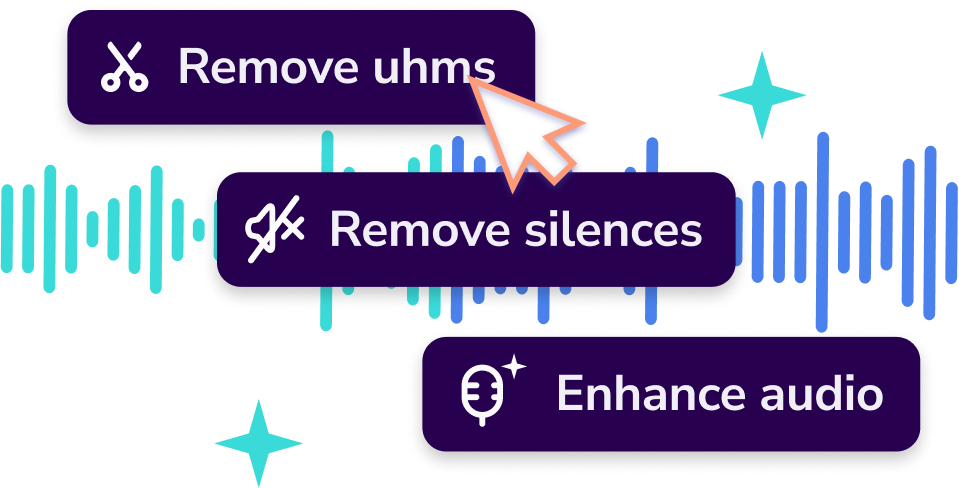
PROFESSIONAL BACKGROUND NOISE REMOVAL
Enhance Clarity and Quality in Just One Click
Create content anywhere any time
Whether you're on a busy street or in a restaurant, our AI noise remover keeps your audio high quality and distraction-free.
Elevate Your Sound Quality
Instantly improve your recordings by removing distracting background sounds. Our AI-driven tool isolates voices, adjusts audio levels, and provides clear, polished results without technical skills.
Fast and professional results
Remove background noise and interruptions for flawless audio with one click. Spend less time on edits and focus more on creating impactful content
USER-FRIENDLY AUDIO ENHANCER
How to Improve Audio Quality with Podsqueeze
1. Create a Podsqueeze account
Sign up for a free Podsqueeze account. It’s simple, quick, and requires no credit card.
2. Upload audio or video file (one-click)
From your Dashboard, click "Convert Episode" and upload your audio or video file. Click generate and wait a few minutes.
3. Download your enhanced audio
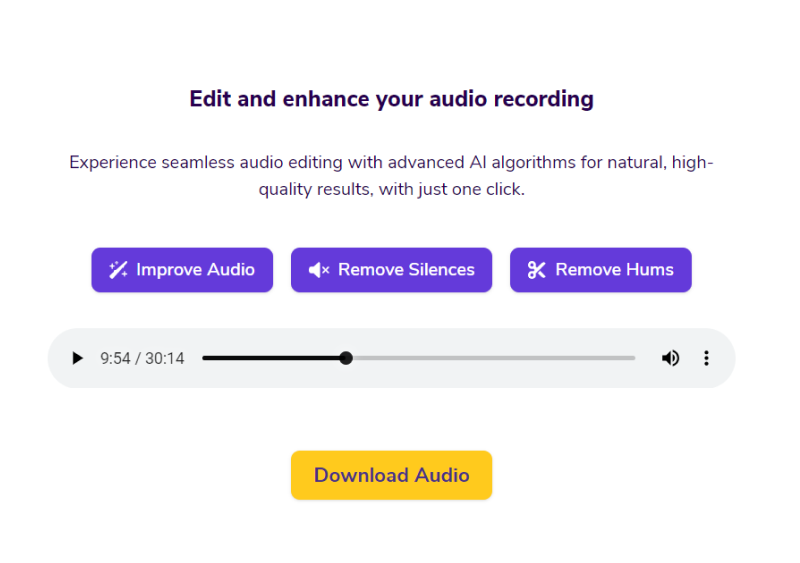
Within minutes, your audio will be ready to download. Click the tab "Edit and Enhance Audio" to access your enhanced file with improved audio quality and removed noise.
LEARN MORE ABOUT OUR BACKGROUND NOISE REMOVER
Frequently Asked Questions
How does AI background noise removal save time?
Manual noise editing is tedious and requires hours of detailed work. Our AI noise remover automates this process, letting you remove unwanted sounds and achieve clean audio quickly. This saves time and offers a cost-effective alternative to manual editing or hiring professionals.
Listen to an audio sample
Is AI noise removal effective for field recordings or outdoor audio?
Absolutely! Our AI can significantly improve audio recorded in noisy environments, reducing wind noise, background chatter, and other disturbances. Whether you’re recording on the go or in less-than-ideal settings, our tool ensures you get a clear final product.
What types of background noise can AI remove?
Our AI effectively reduces many types of background noise, including chatter, hums, traffic sounds, and more. It's designed to filter out common audio disturbances, providing clear, professional results ideal for content creation, calls, and more.
Can you also increase the quality of the video?
The AI audio enhancer only improves the audio quality of both audio-only files and video files with audio. If you want to increase the quality of the video image itself (upscaling, more resolution, sharper image), you can try our tool: Video Quality Enhancer. This specialized tool uses AI to enhance video clarity, remove visual noise, and upscale resolution, making your video content look more professional.
Maximize the reach of your podcast with Podsqueeze
Create clips and audiograms for social media
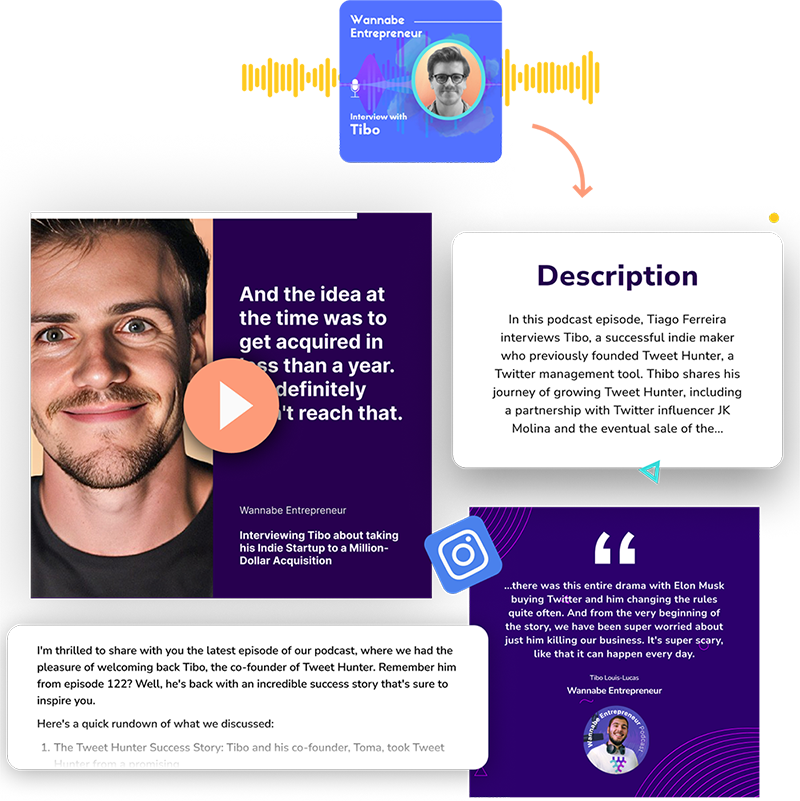
Built with your audience in mind, Podsqueeze AI-powered Clip Maker turns your podcast into shareable short clips and audiograms without cutting down on customization options that fit any social media platform of your choice. With custom ratio, automatic subtitles, and added features, turning your podcast into short shareable videos is a breeze.
Generate blog posts and newsletters for your episode
With Podsqueeze AI, effortlessly generate blog posts for your episodes, effectively boosting your podcast's SEO and expanding its reach across the web. Additionally, our newsletter feature allows you to create newsletter content with human-level accuracy, ready to be shared with your email audience, simplifying your marketing efforts and enhancing audience engagement.
MORE RESOURCES FOR YOUR PODCAST
Learn how to get the most out of your content

Get the Most Out of AI-Generated Content for Your Podcast
Welcome to Podsqueeze – the simplest way to transcribe your podcast and create captivating content...
Podcast SEO best practices
Every day, countless individuals are using search engines like Google, seeking content closely related to your podcast...
Podcast Show Notes Templates
Did you know that show notes can help you grow your podcast and boost revenue from your podcast? Podcast show notes are one of the most overlooked...