PRODUCT FEATURE
Extract Audio from Video
Last updated: 10/3/2026
Pull the audio track from any MP4, MOV, or video file — free in your browser. Download the extracted audio, then clean it up with our AI Audio Enhancer or transcribe and clip it with Podsqueeze.














FREE VIDEO AUDIO EXTRACTOR
Get audio from video files in minutes
MP4 & MOV Support
Upload common video formats and extract the audio track without desktop software. Ideal for interviews, webinars, screen recordings, and social video repurposing.
Fast Browser Extraction
Processing runs in your browser using FFmpeg — no upload to a third-party server for the extraction step. Get your audio file ready for editing or transcription.
Bridge to Full Workflow
After extraction, route to AI Audio Enhancer for cleanup or to Podsqueeze for transcript, show notes, and short-form clips — one creator pipeline.
SIMPLE 3-STEP FLOW
How to extract audio from a video online
1. Upload your video
Select an MP4, MOV, or other supported video file. The extractor reads the audio stream from your video.2. Extract the audio track
Click extract and wait while the audio is pulled from the video. Output is saved as M4A or MP3 depending on the source.3. Download and continue
Download your audio file, then enhance it with our AI audio enhancer, trim it with our audio trimmer, merge clips with our audio joiner, or upload to Podsqueeze for transcription and clips.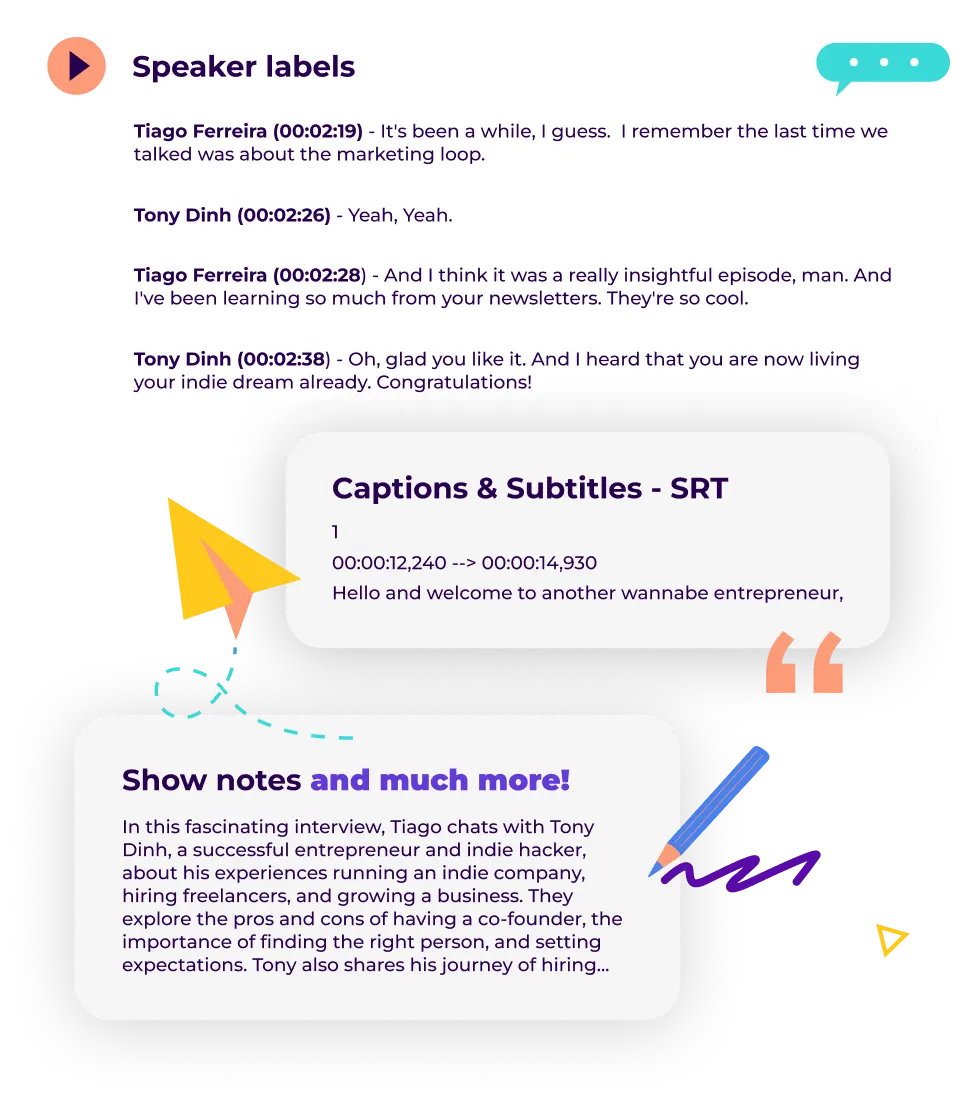
EXTRACT AUDIO FAQ
Frequently asked questions
How do I extract audio from an MP4 file?
Upload your MP4 to this free video audio extractor, click extract, and download the audio track. No desktop apps or command-line tools required.Is this video audio extractor free?
Yes. Extracting audio from video is free in your browser. For noise removal and mastering, use our AI audio enhancer. For transcripts and clips, use Podsqueeze.What video formats are supported?
MP4, MOV, AVI, MKV, and WebM are supported. For transcript-focused workflows, also see our video to text converter and MP4 to text tools.Can I clean up the extracted audio?
Yes. Send your file to AI Audio Enhancer to remove background noise, normalize levels, and improve clarity — especially useful for screen recordings and interview footage.Can I transcribe the extracted audio?
Absolutely. Upload to Podsqueeze to generate a transcript, show notes, timestamps, and social clips from the audio you extracted.What if I only need part of the audio?
Use our free audio trimmer to cut the extracted file to the section you need before enhancing or transcribing.From video file to publish-ready audio
Extract in one click
Pull audio from MP4 and MOV files without leaving your browser.Enhance with AI
Route to Audio Enhancer for noise removal and clarity — perfect for messy source recordings.Repurpose with Podsqueeze
Transcribe, summarize, and turn long video audio into clips, show notes, and social posts.
MORE RESOURCES FOR YOUR PODCAST
Learn how to get the most out of your content
How to choose a podcast transcription service
Compare podcast transcription services and learn the pros, cons and costs of hiring human transcription vs AI
Everything you need to know about podcast transcription
Everything You Need to Know about podcast transcription. How to transcribe your podcast and why it matters.

How to repurpose podcast content and grow your audience
Repurpose your podcast content and grow your audience with these actionable tips, Q&As, and real-life examples.